Vocals and acapella tracks
Extract acapella from a song and use the vocal file as a reference for timing, remix planning, or a quick edit.
AI vocal remover
Remove the vocal from a mix and download an instrumental backing track, or keep the isolated voice.
What you get
Each run aims to return two files: the isolated voice and the rest of the mix as an instrumental.
Extract acapella from a song and use the vocal file as a reference for timing, remix planning, or a quick edit.
Download an instrumental version or karaoke backing track for practice, a live set, or a clean bed under a new vocal.
Run the vocal separation in the browser, then play and download both files from the results panel.
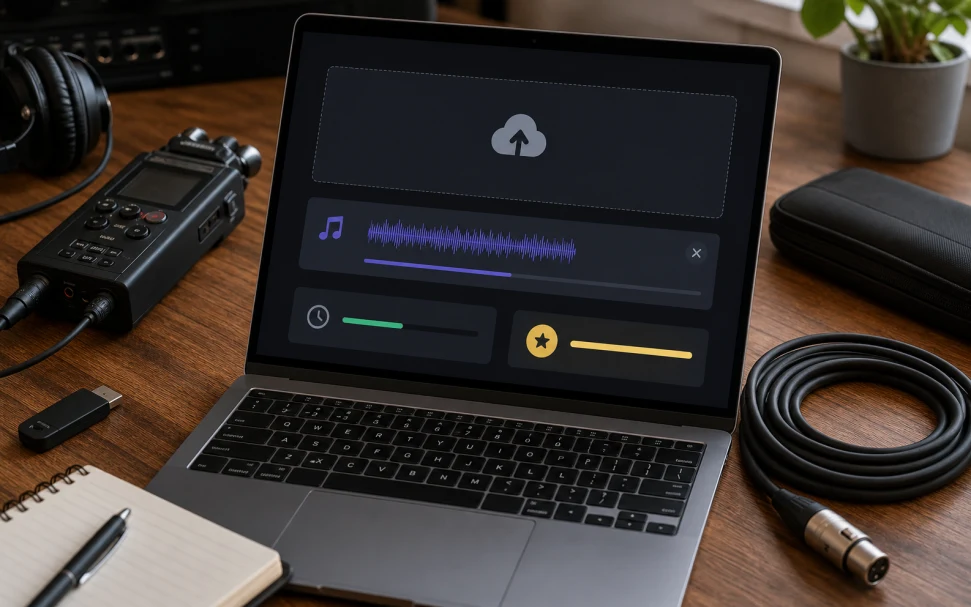
Upload a track, run vocal separation, then download the isolated voice and the instrumental backing track.
01
MP3, WAV, M4A, AAC, FLAC, OGG, WEBM, or MP4 under 20 MB, or a saved track from My Music.
02
The vocal remover shows the credit cost, then isolates the voice from the backing mix.
03
When the separation finishes, the vocal and instrumental files each get a player and a download button.
This page returns two files: voice and backing. For drums, bass, and guitar as separate files, use the stem splitter.
If you need a karaoke track, an instrumental version, or an isolated vocal, stay here. You do not get individual drums or bass.
Open AI Stem Splitter when you want vocals, drums, bass, guitar, piano, and other stems as their own downloads.
Live recordings, heavy reverb, and dense backing vocals leave more artifacts. A clean studio mix separates best.
Yes. A successful run returns a vocal track and an instrumental backing track when the mix can be separated.
Vocal remover is two files: voice and backing. Stem splitter tries to isolate drums, bass, guitar, piano, and other layers as well.
Yes. Keep the instrumental file and drop the vocal. That gives you a karaoke backing track without the lead voice.
The same run returns both files. Download the vocal track when you want the acapella and ignore the instrumental.
The vocal remover is not tuned to one style. Pop, rock, hip-hop, and country all separate when the lead voice sits clearly in the mix.
Clean stereo files with a clear lead vocal. Heavy reverb, live recordings, and low bitrate mixes leave more artifacts.
The page is free to open. Each separation uses credits, and the estimate appears before you submit.
Upload a song and download the isolated vocal and the instrumental backing track.
Separate vocalsUpload a mix or pick a track from My Music.
Separating vocals