Natural lip sync
Mouth movement is matched to the uploaded music with stable facial identity, so the singing photo stays recognisable.
AI Music Video
Upload one clear portrait and a song. AI creates a singing performance with natural lip sync and returns a downloadable MP4.
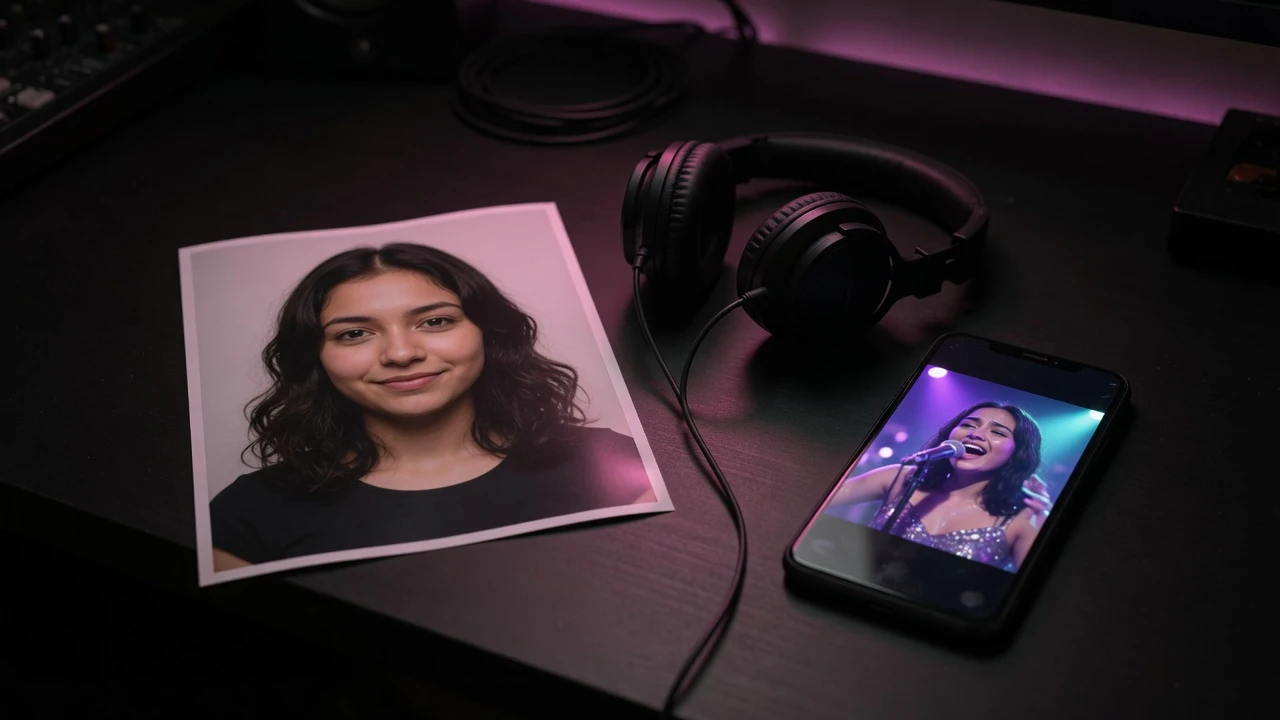
What the tool does
Upload a photo, add a song, and get an AI singing photo back. The avatar model, resolution, and generation parameters stay fixed for reliable results.
Mouth movement is matched to the uploaded music with stable facial identity, so the singing photo stays recognisable.
Subtle expressions and head movement make the portrait feel alive without turning it into a different person.
The server confirms the music duration before submission, so the displayed charge matches the billed duration.
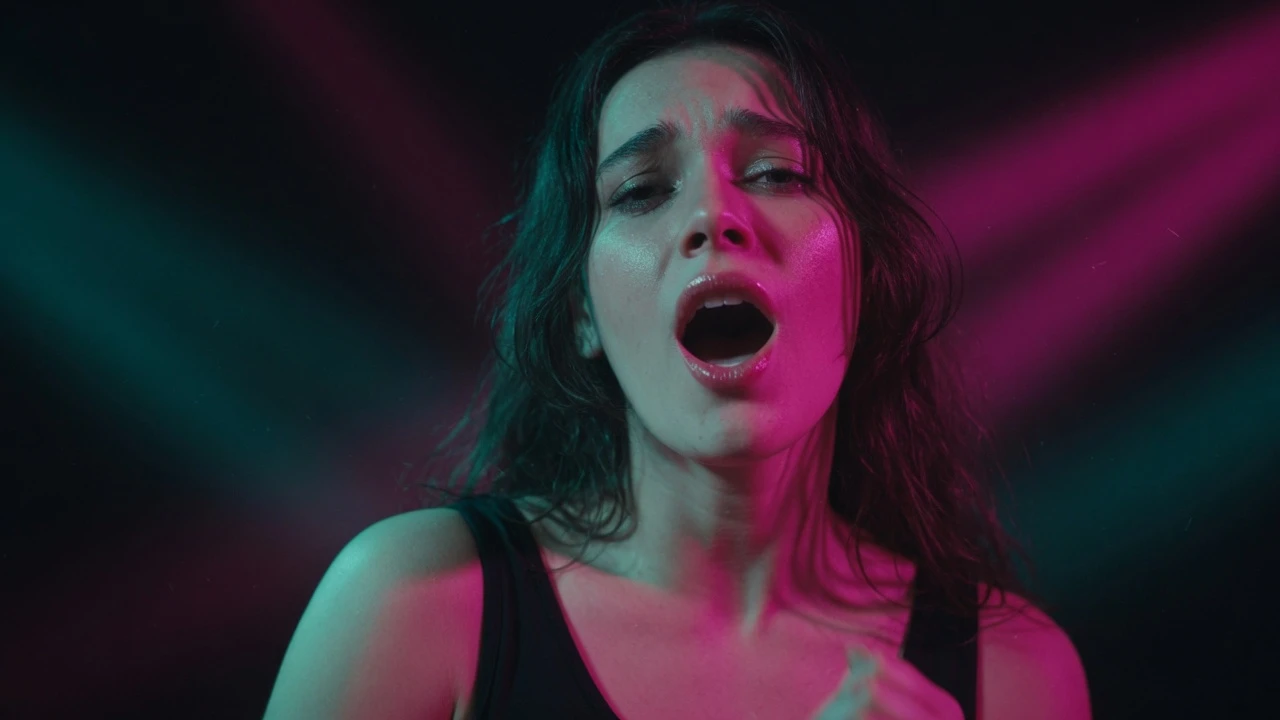
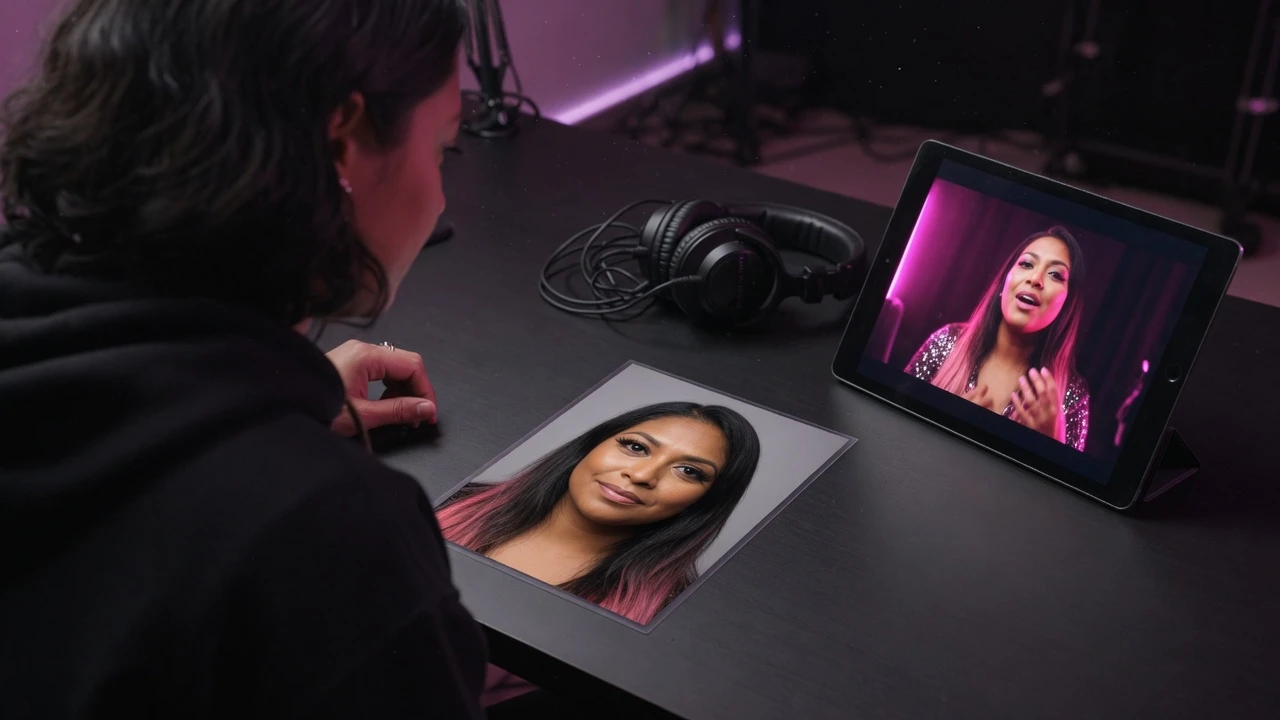
Simple workflow
No prompt engineering and no video editing timeline. Three steps from a portrait to a singing video.
Choose a clear JPG or PNG with one visible person and an unobstructed face.
Upload the song or vocal track. The generator reads the real duration server-side and shows the exact credit estimate.
Submit the task, preview the finished singing video, and download the MP4.
Built for reliable results
Use a clean portrait and the intended song to get a focused, predictable singing video.
Use one person facing the camera with the head, shoulders, and upper body visible.
Use a clean version of the song. The model can separate vocals to reduce interference from the backing mix.
Results are returned as MP4 with a duration that follows the uploaded music.
Upload or validation failures do not start a paid task. Once a generation starts, credits stay deducted even if the provider fails.
Singing videos work for a birthday message, a band teaser, a lyric post, or a private send. The MP4 drops straight into social editors.
A single portrait and one music file are the whole input. There is no face training step, no dataset to build, and no second upload pass.
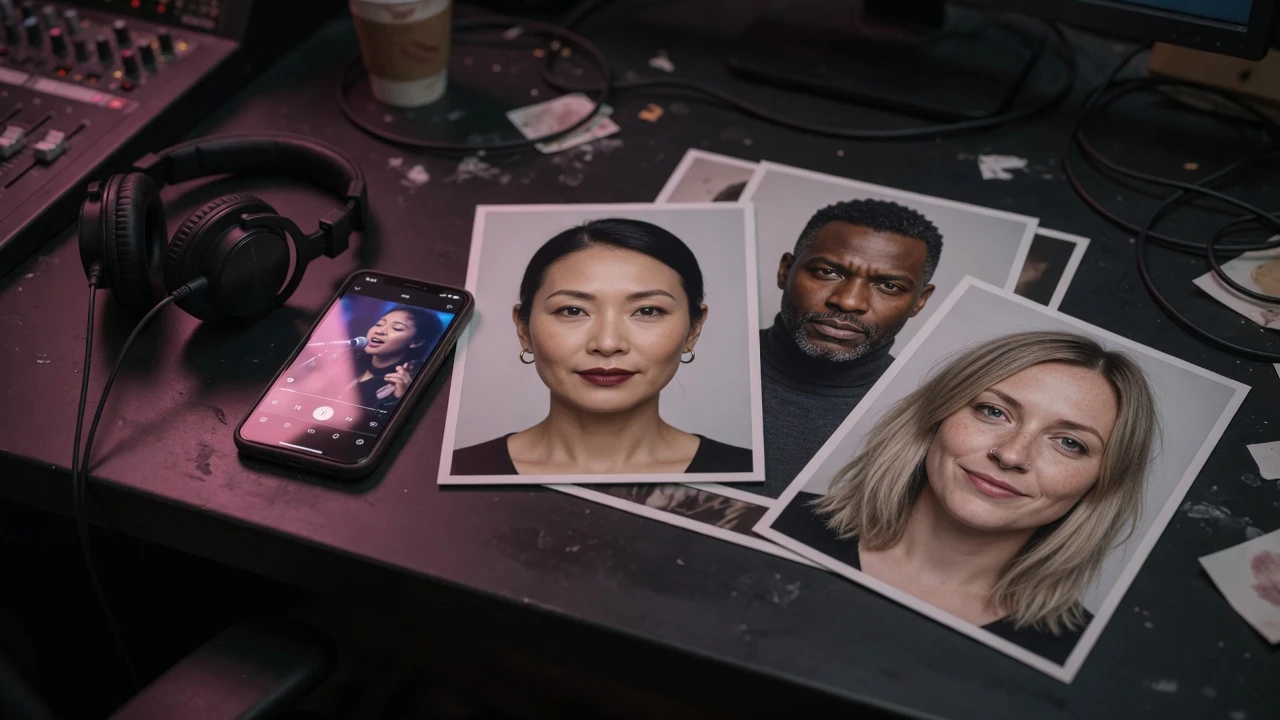
The tool accepts JPG and PNG images. For the strongest result, use one person facing the camera with a clear, unobstructed face.
The final video follows the duration of the uploaded music, up to the configured limit.
Credits are charged by started second, using the music duration confirmed by the server. A 60.1-second track is billed as 61 seconds.
No. This tool synchronizes the portrait to the music you upload. Use one of the music generation tools first if you need a new song.
It is a still portrait animated to sing the track you upload. The face stays the same while the mouth and expression follow the audio.
Yes. Upload the photo and the song on this page. There is no timeline to learn, and the result comes back as an MP4 you can download.
Upload one portrait and one music file, review the exact duration-based cost, and generate a downloadable MP4.
Open AI Music VideoThe song that drives the performance.
One clear front-facing photo. JPG or PNG, up to 10 MB.
Or try a portrait
Upload music to see credits
AI video generation
Example
An example singing video made from a portrait and a song.