Remix and sampling
Separate instruments from a song so you can test a new arrangement, pull a sample, or rebuild the beat before you commit.
AI stem splitter
Split a mix into vocals, drums, bass, guitar, piano, and other stems you can download one by one.
What you can isolate
Run stem separation on a finished mix and get parts you can mute, solo, or drop straight into a DAW.
Separate instruments from a song so you can test a new arrangement, pull a sample, or rebuild the beat before you commit.
Solo the bass, drums, or vocal line to hear timing and harmony without the full mix.
Pull a cleaner bed or an isolated vocal phrase into a short-form cut.
Keep the vocal off the backing parts when you only need a practice track.
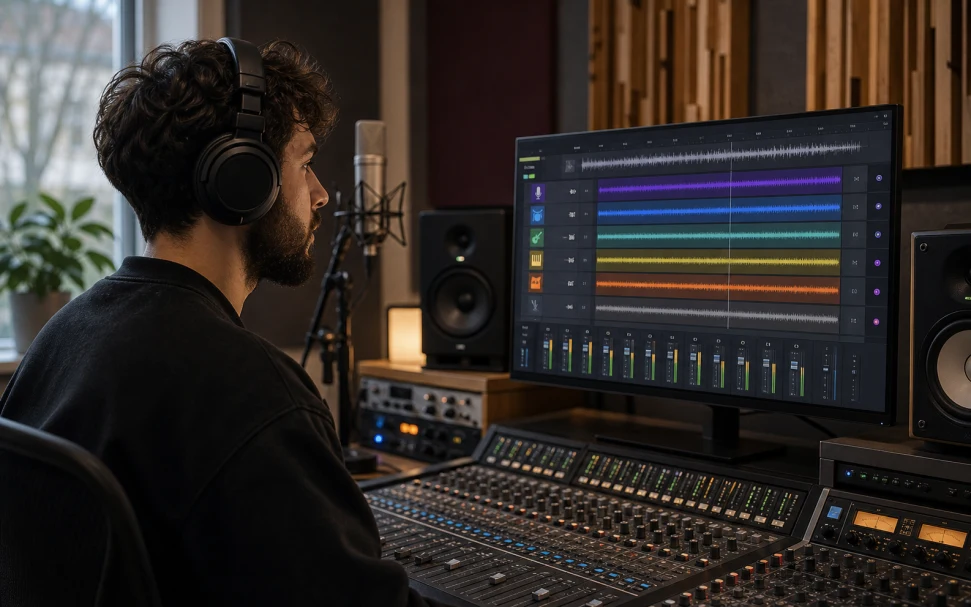
Choose a song, run the AI stem splitter, then play and download each returned stem on its own.
MP3, WAV, M4A, AAC, FLAC, OGG, WEBM, or MP4 under 20 MB, or a saved song from My Music.
The page shows the credit cost, then separates the vocals, drums, bass, and other layers it can detect.
Ready tasks list every isolated stem with its own player and download button.
Vocal remover gives you two files. The stem splitter tries to isolate drums, bass, guitar, piano, and other layers when the mix allows it.
A dense mix may group leftover parts under Other. Not every song returns every instrument.
Clean stereo files split better than live, noisy, or heavily compressed masters. This is separation, not the original session.
If you only need a karaoke bed or an isolated vocal, the vocal remover does that in one pass with fewer files to sort through.
Successful runs can return vocals, drums, bass, guitar, piano, other, and sometimes an instrumental. The exact set depends on the source.
Vocal remover is voice plus backing. Stem splitter is multi-stem: drums, bass, guitar, piano, and other layers when they can be detected.
It is the process of pulling a finished mix apart into its instrument layers. You upload one file and get several isolated tracks back.
MP3, WAV, M4A, AAC, FLAC, OGG, WEBM, and MP4 are accepted, up to 20 MB per file. A clean stereo master separates best.
The page is free to open. Each split uses credits, and the estimate appears before you submit.
The model can only separate what it hears. Quiet, buried, or heavily processed parts often land in Other or do not appear.
Upload a mix and download the isolated layers you can actually edit.
Split stemsUpload a mix or pick a track from My Music.
Splitting stems