0/5000
0/1000
AI music generator
AI Music Generator
Generate royalty-free songs from a prompt or your own lyrics. Pick a style, get two versions, and save them in My Music.
Hear songs from this AI music generator
Play a few royalty-free results, then send the same prompt back into the generator.
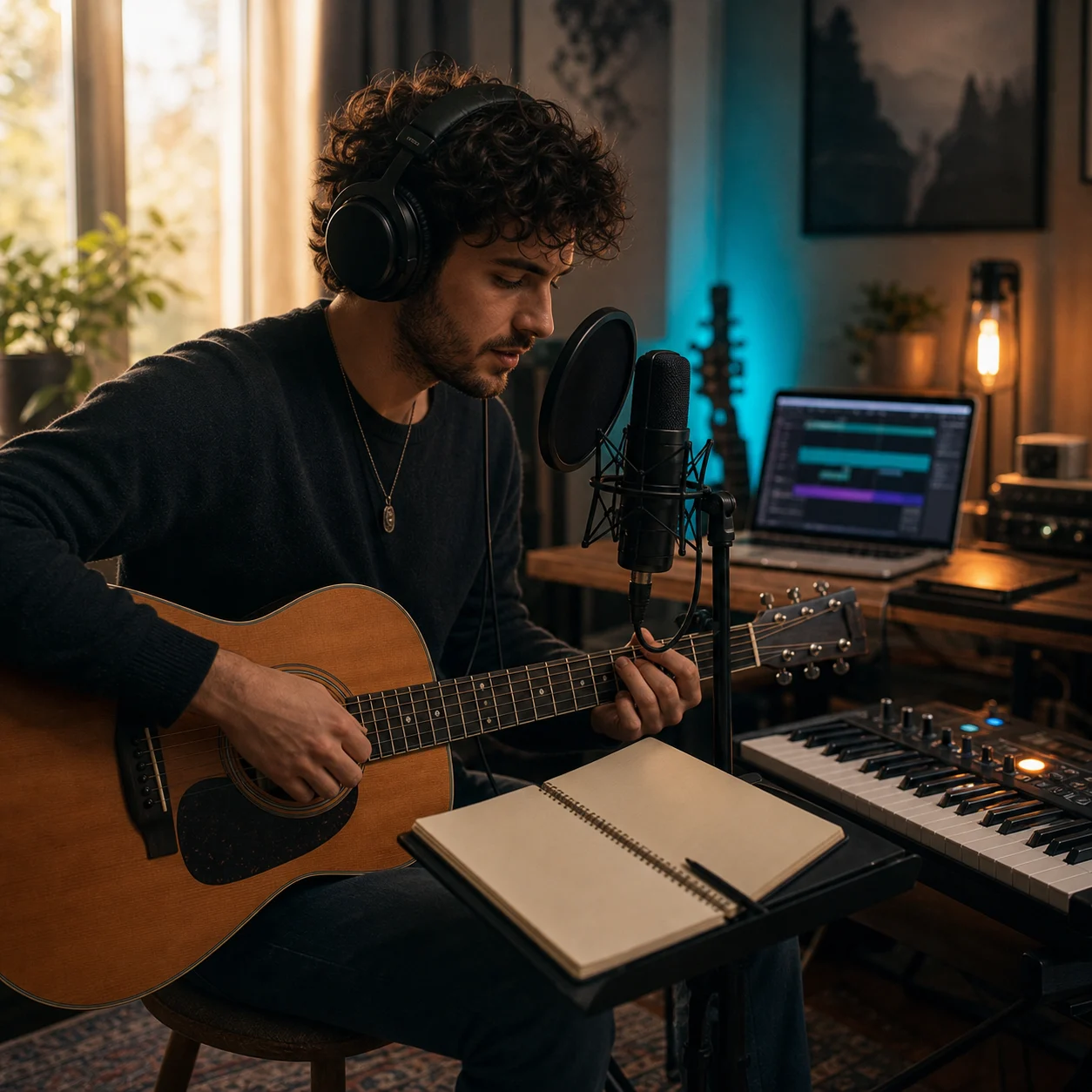

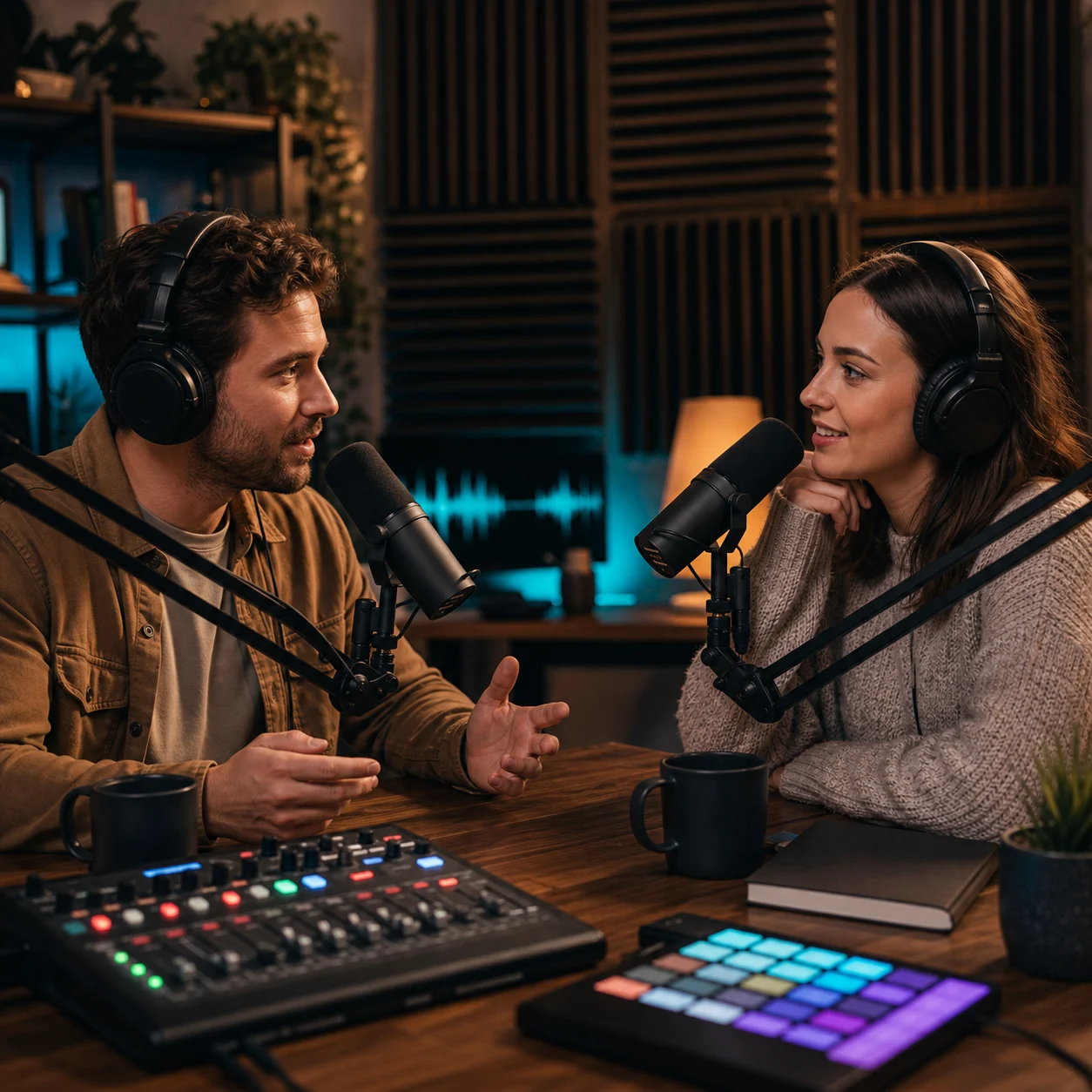
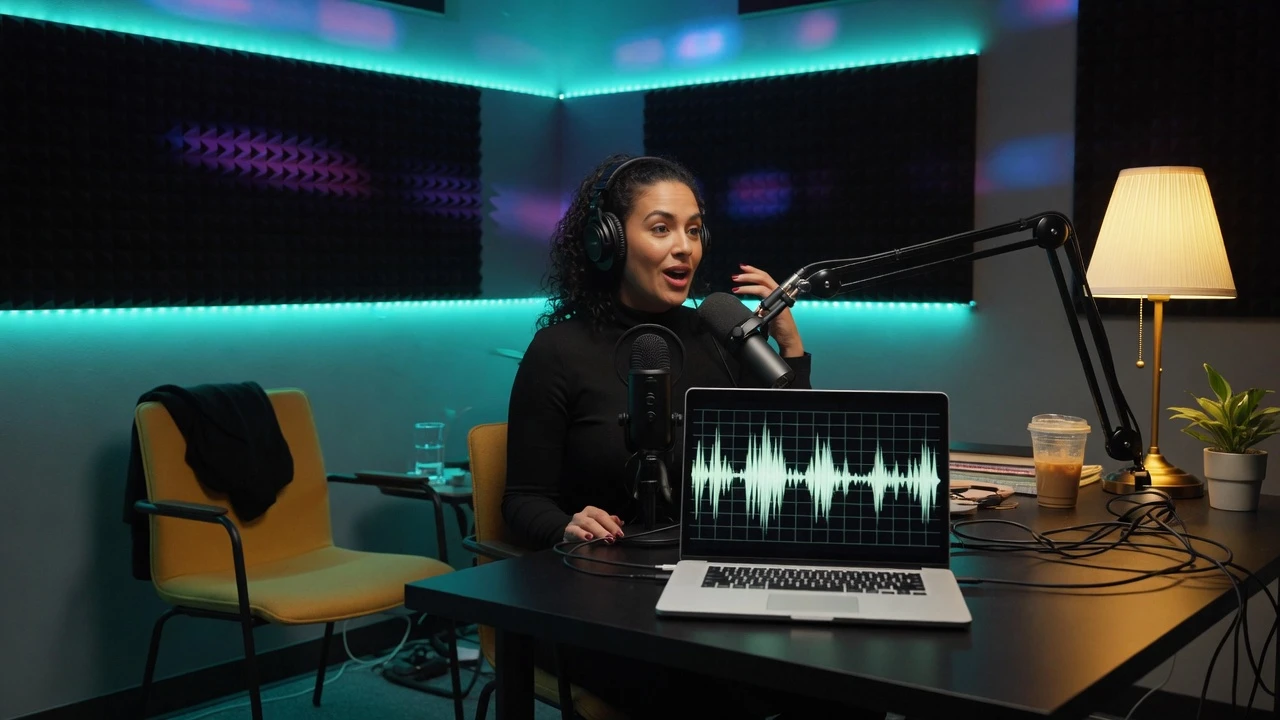
From a text prompt to a finished song
Describe the track or paste lyrics, set a style, then save both versions in My Music. The same brief works whether you think of it as an AI song generator or a text to song tool.
01
Describe the song or paste lyrics
Say what the track is for, or drop in verses you already wrote.
02
Set style, voice, and instrumental
Add a genre, a vocal direction, or turn the vocal off for background music.
03
Generate two versions into My Music
Each run costs 4 credits, returns two takes, and keeps the files in your library.
Write prompts the generator can follow
Say what the song is for, how long it should run, and whether you need a vocal or an instrumental. A specific brief beats a one-word genre every time.
Prompt mode
Put the use first, then mood, vocal, and instruments. A short line like "podcast theme, warm keys, soft bass, room for speech" beats a vague "make a good song."
Own lyrics mode
Paste verses and a chorus, then pick a style that matches the words. The generator follows the lyric rhythm instead of inventing a new theme.
Instrumental mode
Turn the vocal off when you need background music for a video, a stream, or a podcast bed. The same brief still drives the genre and the tempo, so an instrumental lands in the same style as the songs around it.
Reference the job, not a genre
"15 second channel sting" or "warm talk-show theme" tells the generator more than "pop" does. Name the length, the mood, and the moment the track has to fit, then let the model fill in the arrangement.
AI song generator questions
Name the job, length, genre, mood, vocal, and a few instruments. Example: 20 second YouTube intro, bright pop, clean drums, no long build.
Generate a royalty-free song next
Add a prompt or lyrics, pick a style, and keep the better of two versions. Finished songs land in My Music.
Generate music