Clips this page will read
MP3 and WAV are the usual drop. This MP3 to MIDI converter also reads FLAC, OGG, M4A, AAC, and WebM, as long as the file is under 50 MB and five minutes.
Runs in the browser
Point this tab at a hummed line or a short clip. It writes MIDI notes here, then you can save the .mid or jump to the piano roll.
This tab does the work. There is no account, no credit meter, and no copy of your audio on our servers.
Why use it
Drop an MP3, WAV, or a hummed line and the clip never leaves the tab. You get notes you can move, not another hosted session.
MP3 and WAV are the usual drop. This MP3 to MIDI converter also reads FLAC, OGG, M4A, AAC, and WebM, as long as the file is under 50 MB and five minutes.
If a note sits off the beat, open the piano roll from the result instead of running the conversion again.
There is no credit meter and no library row for this converter. Export if you want a copy that survives closing the tab.
Use cases
Use it when the idea already exists as sound and you need pitches you can rearrange in a DAW.
Hum a hook, convert it, then assign a synth in your DAW instead of rebuilding the melody by ear.
Turn a piano or guitar take into notes and slow the line down by editing the MIDI instead of stretching the audio.
Keep a hummed chorus as notes so the next session starts from pitches, not a phone recording.
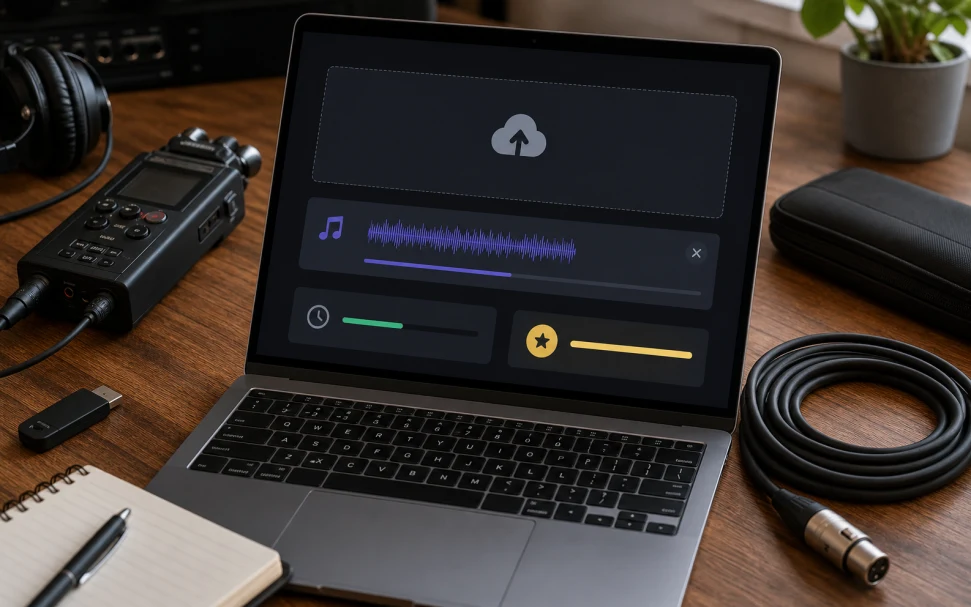
Short, dry, one part. If the clip sounds like a finished mix, run the stem splitter first.
01
An MP3, a WAV, or a few bars recorded here. Cut the silence at both ends for a cleaner grid.
02
Pitch onsets become notes in a standard .mid. That file is built locally, in this browser tab.
03
Download if the pass is close enough. Otherwise send it to the MIDI editor and fix the notes by hand.
It follows one pitch line. A dry vocal, a piano line, or a single guitar part lands. A mastered song with drums does not.
Hum, whistle, a lead guitar, a bass, or a right-hand piano line. Mute the band before you convert audio to MIDI.
Octave hops and early onsets show up. That is why the piano roll sits next to the download.
The same converter handles a file from disk and a few bars recorded with the mic. Both write a standard .mid you can open anywhere.
A full song needs a stop first. Run the stem splitter, keep the vocal or the piano, then convert that single layer into notes.
Yes. Drop MP3, WAV, FLAC, OGG, M4A, AAC, or WebM. The work happens in this tab.
Yes. WAV, MP3, FLAC, OGG, M4A, AAC, and WebM all work. The format matters less than how clean the single part sounds.
Not well. This converter follows one pitch line, so drums and a full mix smear the grid. Run the stem splitter first and convert one isolated part.
Yes. A single piano line or a right-hand part converts best. Dense chords and pedal noise can add extra notes you will want to clean up.
One dry melody. Voice, piano, guitar, or bass. A full mix with drums and reverb will smear the grid.
No. We do not store the clip, charge credits, or keep a conversion history.
Yes. Save the .mid, or open the piano roll from the result and move notes there.
Drop a dry clip, let this audio to MIDI converter write the .mid, then open the piano roll only if the grid needs a pass.
Convert to MIDI